Your receptionist is answering one call while another customer hears voicemail. After closing, the phone keeps ringing, but nobody can explain your services, offer an appointment, or collect the caller's details. By the next morning, the opportunity may already be gone.
Learning how to set up an AI answering service isn't mainly about switching on a voice bot. The difficult part is preparing accurate business information, connecting a live calendar, defining safe boundaries, testing realistic conversations, and launching without disrupting your existing phone line. Follow that order and you can build useful coverage without turning your front desk into a technical project.
Understanding the Benefits of AI Answering Service
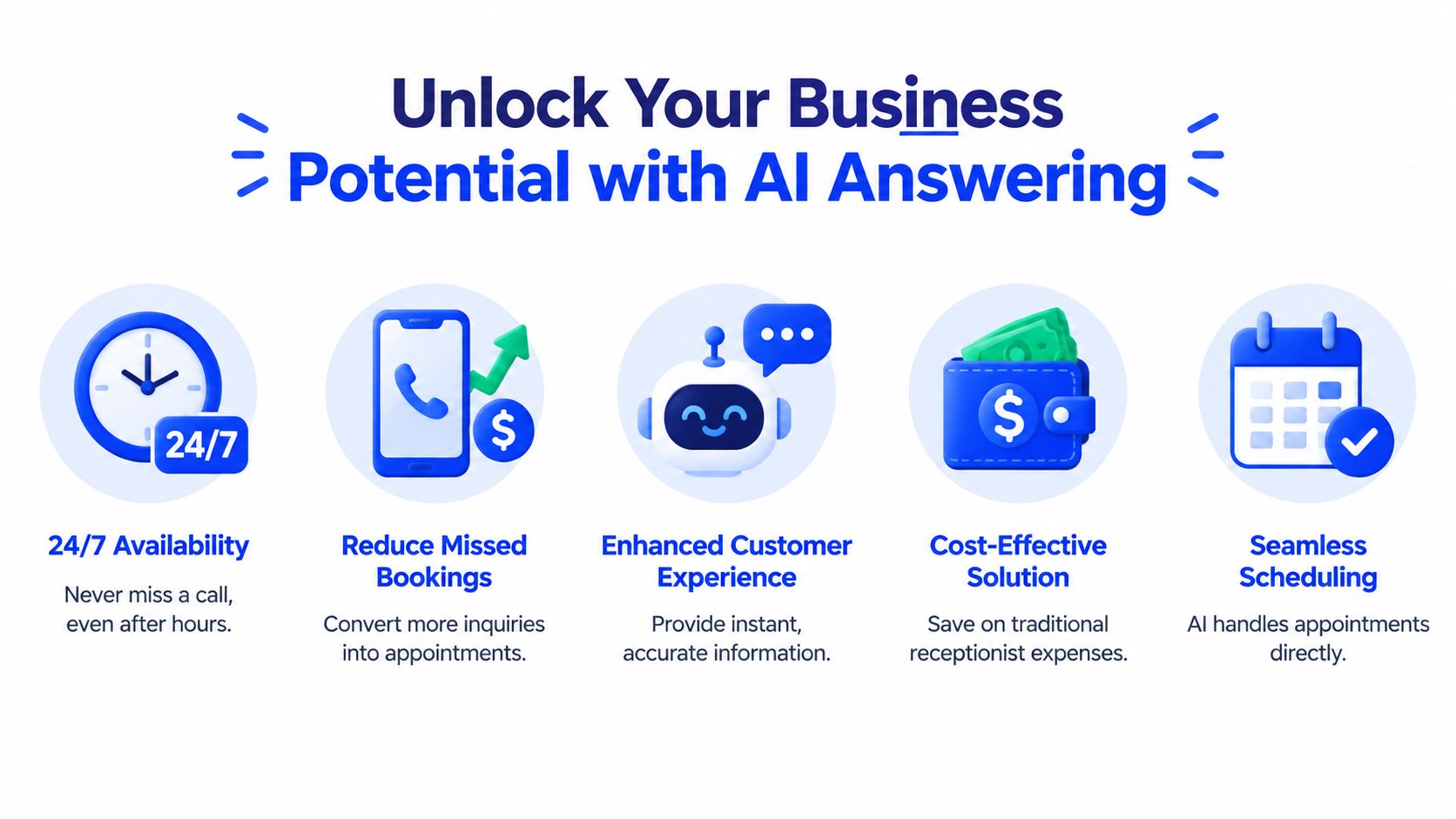
A busy salon, clinic, law office, or home-services company doesn't need more calls sitting in a queue. It needs each caller to receive a clear answer and a practical next step. An AI receptionist can greet people outside business hours, answer approved questions, collect intake details, and book available appointments while staff handle customers in front of them.
That makes the service more than a voicemail replacement. It becomes an operational layer for inbound reception, booking, and customer support, particularly when callers need immediate scheduling help. Grand View Research estimates the global AI voice agents market at USD 2.54 billion in 2025, with a projection of USD 35.24 billion by 2033 at a 39.0% CAGR. The same market reporting identifies inbound voice agents as accounting for 52.1% of revenue in 2026. See the AI voice-agent market overview for the cited market context.
What the service should handle
Start with tasks that follow clear rules:
- Answering routine questions: Provide approved information about services, hours, location, and booking requirements.
- Appointment intake: Ask for the caller's service, preferred time, name, and contact details.
- Calendar actions: Check availability and confirm a genuine open slot.
- Human escalation: Transfer or capture a message when the request falls outside the approved scope.
The business case is strongest when your team regularly misses calls during peaks or after closing. A practical 24/7 AI answering service can protect the first response without forcing you to staff every hour manually.
Preparing Your Website Information
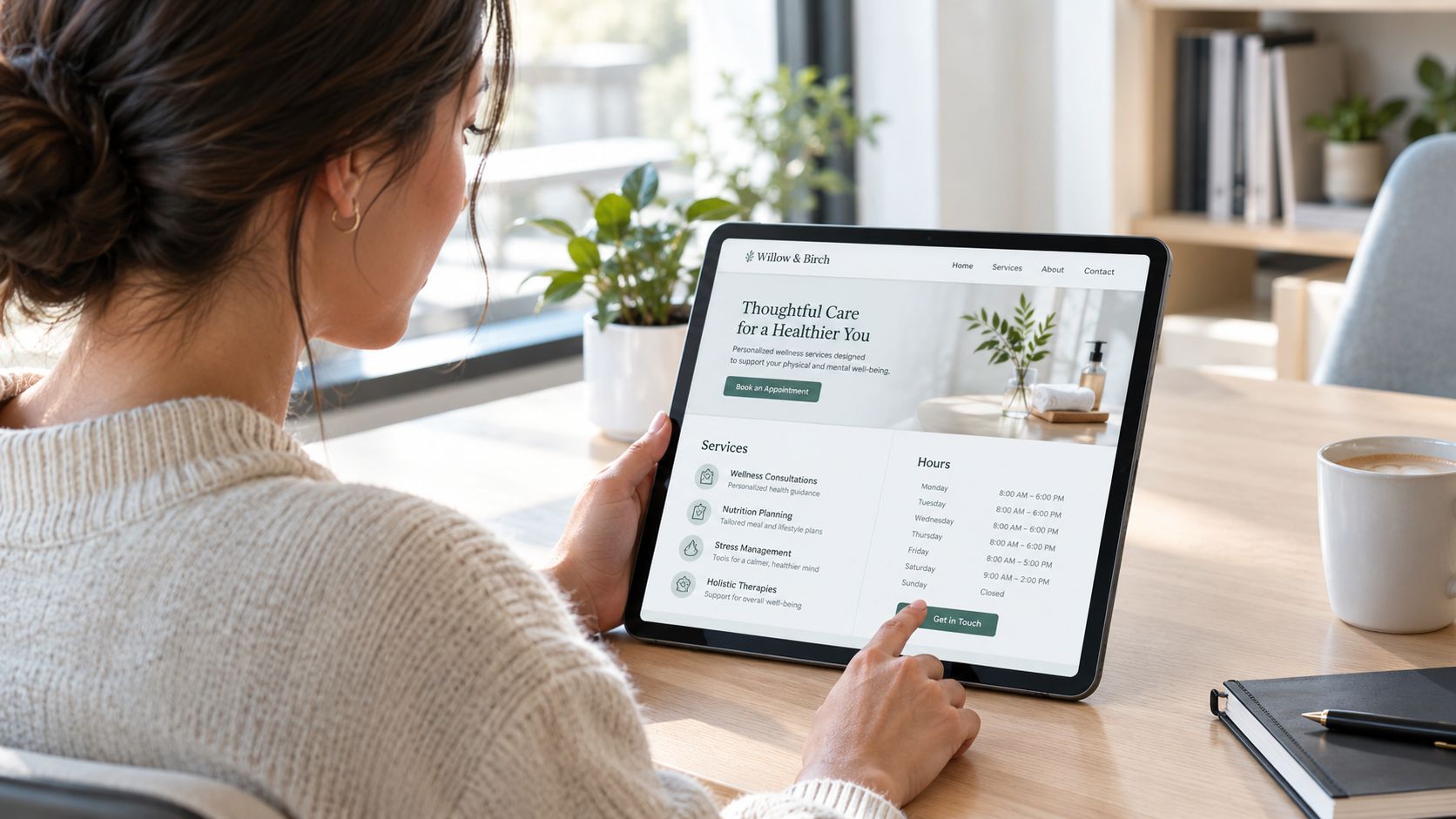
Your website is often the first knowledge source an AI receptionist uses. If the site says one thing on the services page and another on the booking page, the assistant may repeat the conflict with confidence. Bad intake data creates bad answers, so audit the source before you connect any phone system.
Begin with the pages customers use:
- Services: Remove discontinued treatments, merge duplicate names, and define what each service includes.
- Hours: Check regular hours, holiday closures, appointment-only periods, and after-hours policies.
- Contact details: Confirm the phone number, address, email, parking notes, and service area.
- Booking rules: State which services require consultations, deposits, specific staff members, or advance notice.
- Pricing: Either update prices carefully or tell the assistant not to provide figures that change often.
Create one approved source of truth
Don't rely on a website crawl alone. Add a short internal note for details that aren't public, such as “new clients need an intake form” or “emergency requests go to the on-call manager.” Keep those instructions specific and actionable.
A common failure looks simple. Your homepage says the business opens at 8:00, while the booking page shows the first appointment at 9:00. Another occurs when a service is renamed online but remains available under its old calendar label. The assistant can only work with the information and rules you give it, so resolve these conflicts before launch.
The implementation risk for non-technical owners is often overlooked. Guidance on SMB missed-call data and implementation risks highlights how incorrect website information can produce wrong hours, incorrect answers, and broken booking logic. Treat every edited field as part of your customer-service policy, not as casual website copy.
Connecting Your Calendar for Appointments
A booking assistant without live calendar access can collect preferences, but it cannot safely promise an appointment. Connect the calendar before routing real calls, then test the same path customers will use. This step also protects your website data from turning into incorrect booking rules.
Use this sequence:
- Choose the booking calendar: Select the Google Calendar that reflects actual customer availability. Keep personal calendars disconnected unless their events should block bookings.
- Authorize access: Sign in to the intended Google account and approve the required permissions. Use the business account staff already monitor.
- Map services: Assign each service its correct duration, staff member, location, and buffer rule. A haircut, consultation, and repair visit need separate scheduling rules when their requirements differ.
- Define availability: Confirm working hours, breaks, holidays, and every calendar that should prevent new appointments.
- Run a live test: Ask the assistant to offer a time, accept the booking, and verify the event's name, service, duration, and contact details.
For a detailed setup walkthrough, follow this guide to schedule appointments with Google Calendar.
Fix authentication and double-booking risks
If authorization fails, check that you are signed into the intended Google account. Remove the failed connection, sign out of unrelated accounts, and reconnect in a private browser window. If an earlier permission stopped working, revoke it in Google account settings before authorizing access again.
Multiple calendars need clear rules. Mark which calendars block availability and which are informational. Add a temporary event to a blocking calendar, then confirm that the assistant stops offering that time. Submit overlapping requests too. A successful connection does not prove that every calendar rule is configured correctly.
Review the website and calendar together before launch. Conflicting hours, outdated service names, or missing intake requirements can produce incorrect answers and bad bookings. Keep one approved source of truth, and update the assistant whenever those details change.
Industry analyses report that 62% of inbound small-business calls can go unanswered, while 85% of callers who reach voicemail never leave a message and never call back. They also estimate average annual missed-call revenue loss at $126,000 per small business. These figures appear in missed-call analysis for small businesses, but they do not justify putting an untested calendar into production.
Selecting Voice Tone and Testing Calls
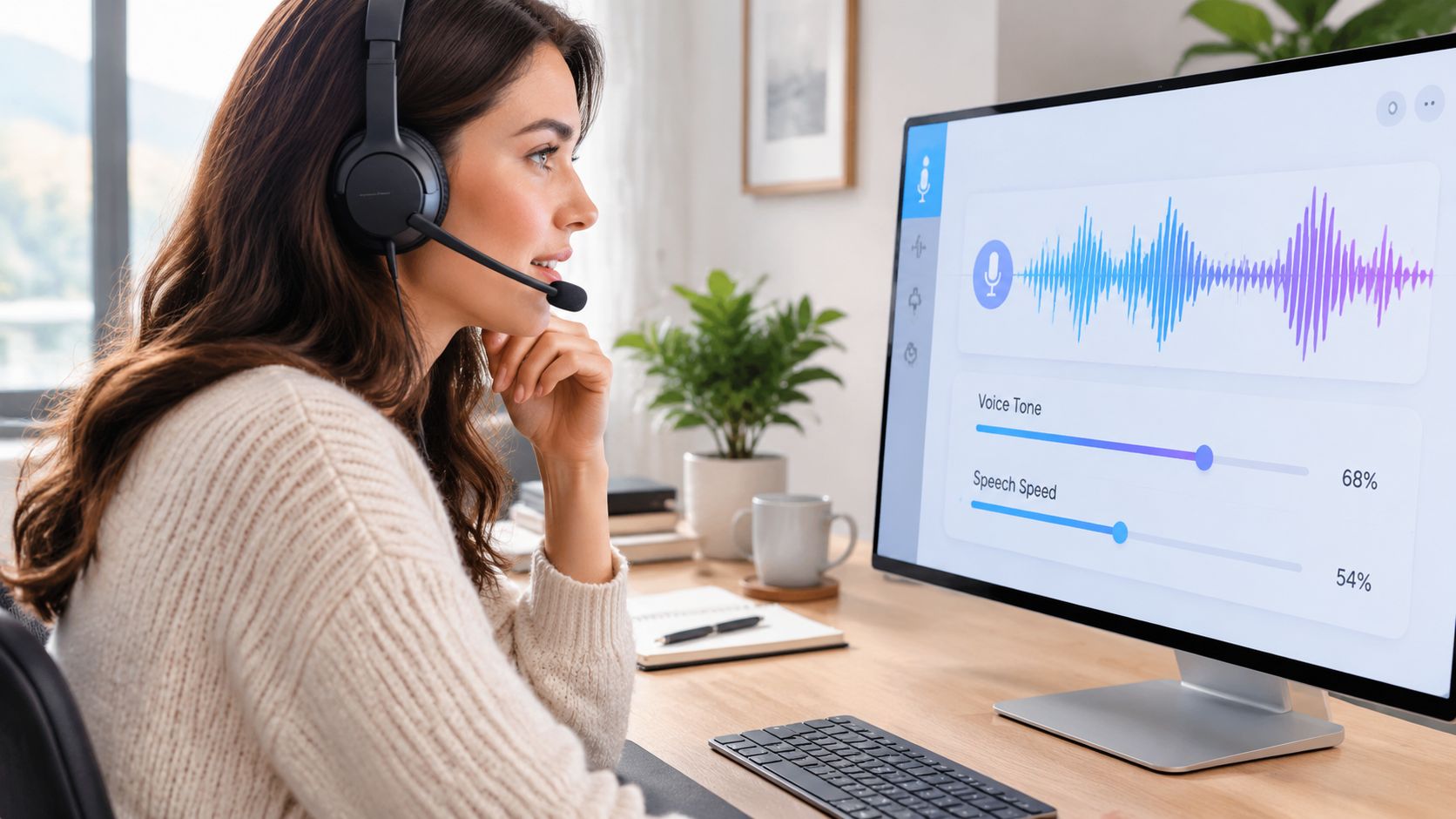
Your voice choice should match the way customers already experience your business. A wellness practice may need a warm, patient delivery. A contractor may prefer a direct, efficient style. A legal office should sound composed and precise without pretending to offer legal advice.
Choose the voice, greeting, pace, and escalation language together. A friendly voice paired with stiff wording still sounds automated, while a concise voice can feel abrupt if it asks several questions without explaining why.
Build a useful greeting
The opening should identify the business, explain the assistant's role, and invite the caller to state their need. Don't bury the caller in a long menu. A short greeting gives the system room to listen naturally.
Review the greeting message for a business before writing your final version. Include pronunciation guidance for unusual names, neighborhoods, treatments, product lines, or professional titles. Test the words customers use, not only the formal names listed on your website.
Test beyond the happy path
Start with one narrow workflow, appointment scheduling is a sensible choice because it has clear inputs and measurable outcomes. Technical voice-AI guidance recommends testing silence, interruptions, repeated questions, backend tool calls, and structured human handoff before release. It also calls for realistic audio checks involving background noise, weak connections, accents, and mumbling. See the voice AI call-center testing guidance.
Use a test script that includes:
- A normal booking: Request a service and accept an available slot.
- An interruption: Speak over the greeting or change the requested time.
- An unclear request: Use a nickname, vague wording, or incomplete sentence.
- A boundary request: Ask for advice the assistant isn't authorized to provide.
- A human request: Ask for staff and confirm the escalation or message path.
Listen for incorrect pronunciation, unnatural pauses, repeated questions, and promises the system shouldn't make. Change one instruction at a time, then repeat the same scenario so you know which adjustment helped.
Launching Your Service and Going Live
A new AI receptionist should earn access to your calls gradually. Keep your current process available while you confirm that the assistant gives accurate answers, creates correct bookings, and hands off callers without friction.
Use a staged rollout
Start with after-hours calls or a small share of eligible traffic. A staged approach can move from 10–20% of traffic through 25%, 50%, 75%, and 100% after each stage meets your quality checks. This gives you time to catch incorrect website information, calendar defects, escalation gaps, and confusing answers before they reach every caller. See the staged AI call deployment analysis for rollout guidance.
Set the response for each common situation before forwarding your main number:
- The caller wants an appointment: Check availability, collect the required details, and repeat the booking confirmation.
- The caller needs a person: Transfer the call when possible or record a complete message.
- The request is sensitive: Collect only necessary information and follow your escalation policy.
- The system can't answer: State the limitation clearly and give the approved next step.
- The caller reaches you after hours: Explain when the team generally responds. Do not promise a callback time your staff cannot meet.
Complete an internal call before routing the public number. Review the calendar event it creates, then ask a staff member who did not build the system to test it. A fresh listener can catch awkward wording, incorrect pronunciation, or a misleading answer that the setup team no longer notices.
Consistent reminders can also support attendance. One randomized clinical study recorded a no-show rate of 29.2% in the control group and 22.8% in the intervention group, an absolute reduction of 6.4 percentage points and a 22% relative reduction. The study used a 7-day pre-appointment call window. Review the findings in AI voice-agent reminder research, then set a reminder schedule your team can maintain.
Place the video after the initial launch checks. It should reinforce your process, not replace call and calendar testing.
Monitor the first conversations
Track containment rate, escalation rate, average handle time, customer satisfaction, cost per interaction, booking completion, and incorrect-answer reports. These measures show whether the assistant resolves useful calls or keeps callers waiting.
Review transcripts and recordings under your privacy policy. Group recurring errors, then correct the specific website field, calendar rule, greeting, or handoff instruction responsible for each issue. Check the revised workflow with the same test call before expanding traffic.
Troubleshooting Common Problems and Tips
A successful test call doesn't prove the service is reliable. It only proves that one path worked under one set of conditions. Treat early live calls as evidence, not reassurance.
Match the symptom to the fix
The assistant gives the wrong hours. Check the website, special-hours notes, and knowledge settings for conflicts. Correct the source, then re-ingest or refresh the business information and repeat the question using several phrasings.
Appointments appear at the wrong times. Review time zone, working hours, service duration, buffers, and connected calendars. Create a blocking event and test a booking around it. If the event still appears available, stop live booking until the calendar mapping is corrected.
Google Calendar stops syncing. Reconnect authorization, confirm the account has access to the selected calendar, and check whether a changed permission or account switch caused the failure. Test with a new appointment rather than assuming the connection recovered.
The voice sounds unclear. Call from a different phone and from a noisy environment. Shorten long sentences, add pronunciation notes, and test names and service terms that caused trouble.
Calls route to the wrong place. Review forwarding rules and active number settings, then make an internal call from the public number. Remove obsolete routes instead of adding more layers on top of them.
Set boundaries before problems occur
The assistant should never invent availability, prices, policies, or professional advice. Give it a clear fallback, such as collecting a message, directing the caller to an approved page, or transferring the request to staff.
Operational rule: If you can't explain how a failed call reaches a human, the workflow isn't ready for full traffic.
Review call logs on a regular schedule, especially after changing services, hours, staff calendars, or website copy. Small edits can change answers and booking behavior, so keep a simple change record and retest the affected scenarios immediately.
Conclusion and Next Steps
A dependable AI answering service starts with clean information, not a phone number. Audit your website, write down exceptions, connect the correct calendar, define service rules, choose a voice that fits your business, and test interruptions, unclear speech, handoffs, and failed booking paths.
Launch gradually and watch real conversations. Containment, escalations, booking accuracy, customer satisfaction, and cost per interaction give you a practical feedback loop. When the assistant makes a mistake, fix the underlying source or instruction instead of adding a vague apology to the greeting.
You don't need to automate every call on day one. Start with appointment intake or after-hours coverage, verify the results, and expand only when the system consistently follows your rules.
Heyline provides an AI phone receptionist that uses your public website information, answers incoming calls, and books appointments through your calendar. Visit Heyline to review the setup flow and decide whether it fits your business.


