A technician is stuck in traffic, dispatch is on the phone with the next customer, and nobody can say which appointment moves first. The board still shows both jobs as on time. You have one decision before the afternoon unravels: which slot slides, who can cover it, and who tells the customer. That is the job of scheduling software for service technicians. It is not a prettier calendar. It is the board you use when a sick call, a reschedule, and a collision land in the same hour.
I judge these ten tools the way a dispatcher does. Can you book the job, see the day, and move work when the day breaks? The shortlist covers booking, calendar management, and field-service coordination, plus the limits that show up after the demo: user caps, job caps, quote-only pricing, and features locked to a higher plan. A wider view of how the schedule sits inside the rest of the operation is in this field service management software guide.
Shortlist by team size and how your day runs. One truck and a shared calendar is a different problem from ten technicians and recurring contracts. Then confirm every price with the vendor. Published rates move, and Canadian tax, currency, and contract terms are not always on the US page.
Labour cost makes the scramble concrete. California lists 132,250 general maintenance and repair workers, with a mean hourly wage of $29.27, so fifteen minutes of idle travel or phone tag is about $7.32 in direct wages before overhead, per the wage figures cited by FieldCamp. Software that cannot reassign that fifteen minutes is the expensive option.
1. Jobber
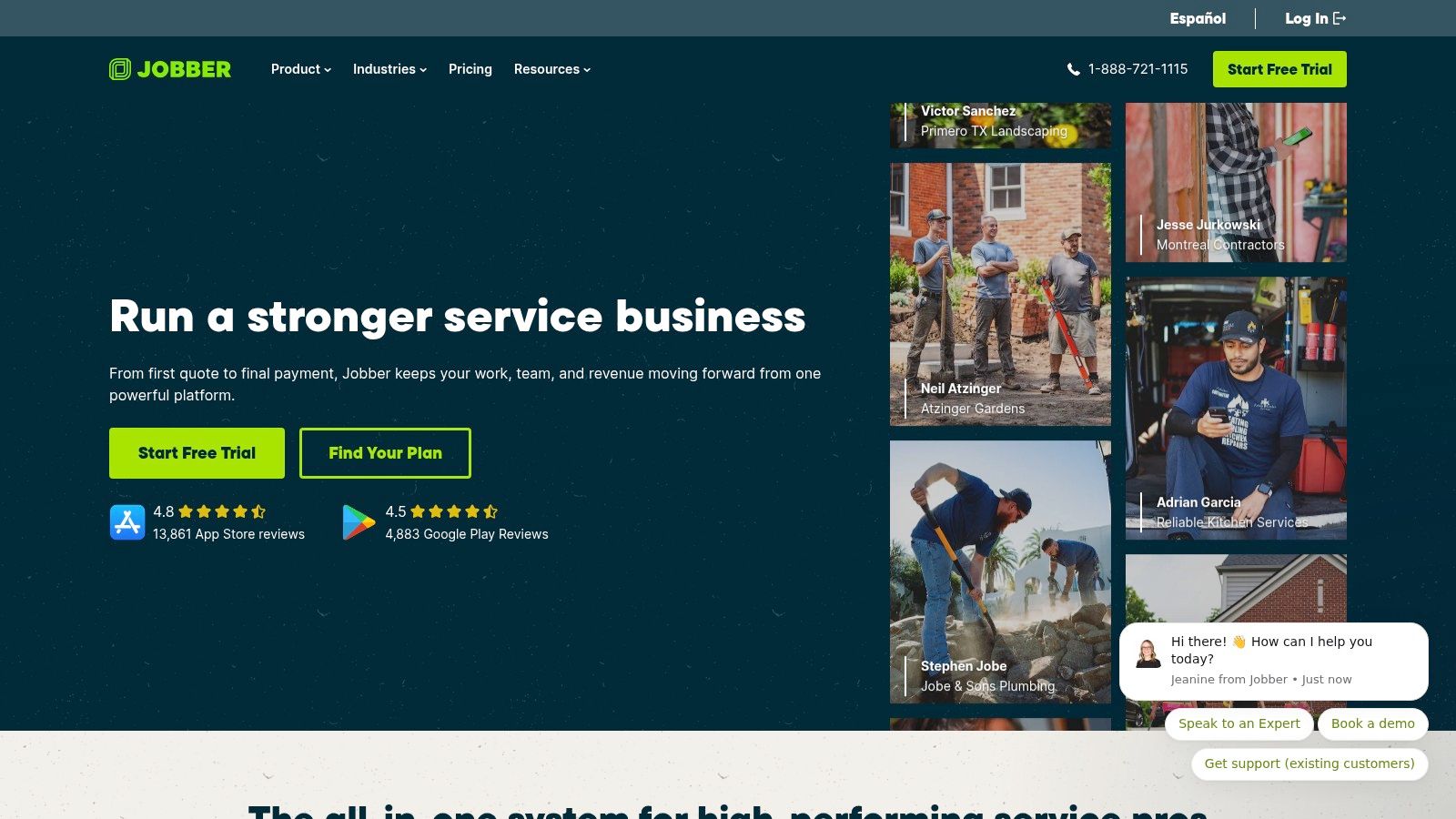
Jobber fits a small contracting shop that still runs quotes, invoices, and the day's board in one place. Core pricing starts at US$29 per month billed annually for one user, and a 14-day trial does not need a credit card. When a tech calls in sick, you reassign the job and send the customer a notification from the same record. Online booking can drop a new job onto that workflow instead of leaving it in a voicemail.
Best at this: everyday contractor admin and a simple board, not a heavy dispatch console.
What holds up on a collision day:
- Move the job: Schedule work, assign a teammate, and notify the customer without a second app.
- Fill the gap: Online booking can add jobs into the same flow.
- Cut the drive: Route planning, availability suggestions, and GPS-related tools help you pick who is close.
- Keep the books honest: QuickBooks Online and Google Calendar connect, and two-way texting is available in Canada.
- Catch the phone: An AI Receptionist add-on can answer inquiries and book jobs.
Costs climb once you need more users or advanced tools. Crew scheduling depends on the plan, and Jobber's help documentation says crew scheduling is web-only, so the phone in the truck is not the full board. See current plans on Jobber.
2. Housecall Pro
Housecall Pro is built for home-service trades: HVAC, plumbing, electrical, cleaning, and landscaping. Scheduling and dispatch sit next to estimates, invoices, payments, and online booking. Every plan includes a mobile app. Routing and recurring service plans show up on higher tiers, which is the trade-off if you only wanted a light calendar.
A customer who wants to move a window can book through your site or Google, and the tech can update the job and take payment in the field. That matters because nearly 50% of appointments were being booked online in a 2025 small-business scheduling overview from Cal.com. The figure is not California-only, and it is not limited to technicians, but it matches what dispatch hears: people expect a slot, not a callback.
The one job it does cleanly is running a residential visit from the first booking through the card payment.
Included user counts and prices change by tier. Extra people and extras such as GPS, a price book, and recurring plans can push you up. If you only need a whiteboard replacement, this is more system than you asked for. Cleaning routes have their own quirks, which this cleaning service scheduling software note covers, and supervisors still need scheduling and time tracking for supervisors when the board and the timesheet disagree. A 14-day trial does not require a card. Details are on Housecall Pro.
3. ServiceTitan
A tech calls off before the first stop, and the second job on that route has nowhere to go. ServiceTitan is the heavy board for a trades company that has outgrown a shared calendar. Scheduling and dispatch share a screen with call booking, invoicing, price books, estimates, payroll, and reporting.
Packages run from core scheduling into a wider operating system. Pricing is a quote, described as per technician, so you cannot compare it on a public rate card.
The HVAC technician workforce is one of the larger skilled-trades labour pools, so a complex shop is not a niche. When two jobs collide, a platform this wide can hold the price book, the call, and the payroll implication in one place. It can also take longer to set up than the morning you have.
On a broken day it keeps the price, the live call, and the payroll hit on the same job.
I would only put a small crew here if the next hire is already on the way. Confirm implementation, the contract, and any Canadian terms with sales before you treat a demo as a promise. The breadth is the point, and it is also the training load. Start at ServiceTitan, and if you are still choosing how calls become slots, compare that path with appointment scheduling software aimed at intake rather than a full trade suite.
4. Workiz
Workiz is the pick when the phone and the job board should come from one vendor. You get scheduling, dispatch, estimates, invoices, client records, and a mobile app. Automated workflows expand on higher tiers. Inventory, service plans, and multi-location tools sit further up. Pricing is quote-based. The pricing page advertises a seven-day free trial.
Say two afternoon jobs overlap because a repair ran long. Dispatch moves the second job on the board, and an optional phone or AI layer can keep the waiting customer from hitting voicemail. Genius Answering can handle calls and inbox messages, with multilingual support and live transfers. That is useful on a bilingual route. It is also easy to assume those tools are inside the base quote when they may be separate products.
Its sharpest edge is tying the ringing phone to the live job, not the calendar art.
Before you sign the quote, pin down:
- Included workflows: Which automations are in your tier, not the demo tier.
- Phone and AI: Whether answering is bundled or an add-on.
- Growth tools: Inventory, service plans, and extra locations if you already have them.
Smaller shops comparing lighter intake tools can also read this note on appointment scheduling software for small business. Vendor page: Workiz.
5. Service Fusion
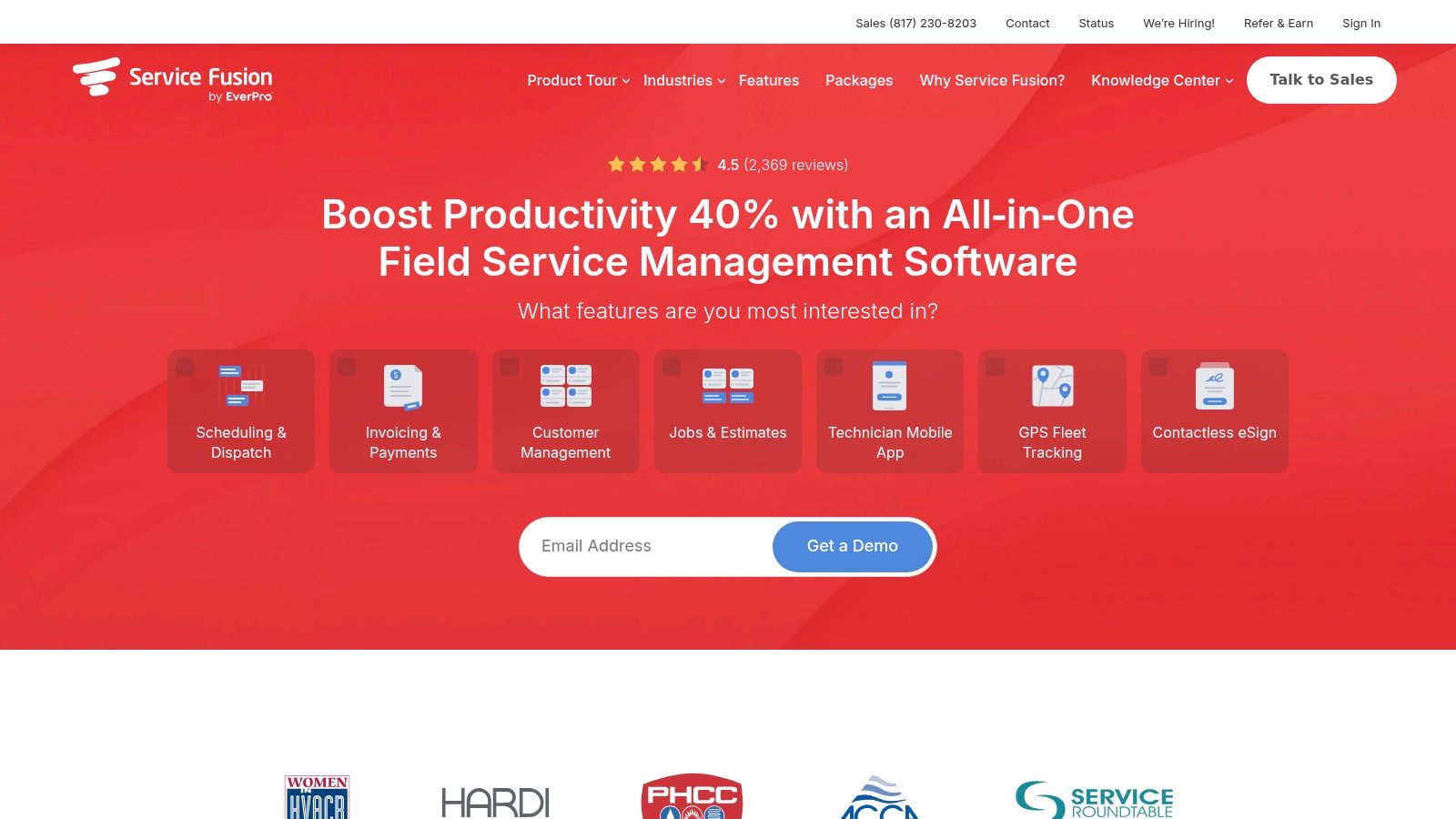
A tech calls in sick at 7 a.m. and two morning jobs need a new name on them. Service Fusion fits offices where the dispatcher, the owner, and every tech already need a login, and per-seat fees are the cost you are done paying. Plans include unlimited user accounts. Scheduling and dispatch sit with customer records, estimates, jobs, invoicing, payments, QuickBooks, and text alerts. Starter starts at about US$192 per month, billed annually.
The backup tech already has an account, so the reassignment does not add a licence. Move the jobs, send the text, and the customer still has a window. Higher tiers add inventory, job costing, photo uploads, e-signatures, and a customer portal. Service Fusion offers a free demo but no free trial. You learn the board on their clock, not yours.
Unlimited seats are the feature that matters once the van count outruns the office.
A one-person shop that only needs a calendar will pay for more product than the day requires. Job costing and a portal do not fix a double-booked morning. When three people already touch every job, the unlimited accounts earn their keep. Plans are on Service Fusion.
6. ServiceM8
ServiceM8 is aimed at small trade contractors who live in job cards. You schedule the work, notify the assigned person, quote, invoice, take mobile payments, and offer online booking. A calendar import helps you respect time that is already blocked. QuickBooks Online and Xero both connect. Paid plans allow unlimited users and are split by monthly job volume. The US page shows paid plans from US$29 per month. A free plan covers one user and up to 30 jobs per month. The vendor says there are no lock-in contracts and offers a 14-day trial.
The limit that bites is the job cap, not the headcount. A week of reschedules can push you into extra-job charges on some plans even though the crew did not grow. Estimate a busy month, not an average one, before you pick a tier.
It is strongest when job volume is predictable and the crew is small.
Check that each tech's phone is supported, and confirm Canadian pricing and availability separately from the US page. The product lives at ServiceM8.
7. Zoho FSM
Zoho FSM is for appointment-based service work: requests, work orders, a dispatch console, technician appointments, reports, and invoicing. The free edition includes up to 30 appointments per month. Paid pricing scales with appointment volume and edition, and Zoho says it does not charge for adding more users. A mobile app, workflow automation, and REST APIs are in the product. Maps, location tracking, crew features, and multi-day appointments sit on higher plans.
That pricing logic rewards a steady book and punishes a chaotic one. A storm week of extra calls can move you up a band even if headcount stays flat. Forecast the noisy month. If you cannot, a seat price is easier to explain to yourself than an appointment meter.
The free tier is a real test board, as long as thirty appointments is enough to see a bad Tuesday.
Configuration takes longer than a plain booking calendar. Some scheduling and reporting tools are tier-locked, so the demo console is not always the console you bought. Details are on Zoho FSM.
8. FieldPulse
FieldPulse is a contractor platform: scheduling and routing, dispatch, customer records, and field tools, with workflows you can shape around the job types you run. Phone tools, fleet tracking, and payments are optional. Pricing is customized and seat-based, not one public plan price. A support pricing page lists a 14-day trial with no credit card.
Treat it as part of a stack, not a lonely calendar. Thomasnet's Northern California supplier listings show regional scheduling tools sitting beside fleet management, messaging, ticketing, payments, and integrations. On a collision, the schedule has to see the truck and the payment status, or dispatch is guessing. An AI phone receptionist can capture what the caller wants, but the board still has to confirm the tech is free before anyone promises a window.
I like it when the quote can match seats and add-ons you will actually turn on.
Quote pricing makes a side-by-side dollar comparison weak. Cost follows seats and selected products, and you should read the contract and cancellation terms before you sign. Start at FieldPulse.
9. Kickserv
Kickserv publishes prices, which is rare in this list and useful when you are comparing on a Tuesday night without a sales call. Plans are built around included user counts. The official page lists plans starting at US$60 per month for five users, with 30-day trials on the listed plans. You get scheduling, dispatch mapping on the plans that include it, automated email and text reminders, GPS check-ins where the plan allows, time and expense tracking, reports, and QuickBooks Online.
Five included users is a clean fit for a small crew plus one dispatcher. The miss is assuming every tier has the map. A sick-day reassignment without GPS is still doable, but you are assigning from memory of who finished where. Confirm Canadian availability, currency, and tax before you budget in US dollars.
Published pricing and a month-long trial are the reasons to put it on a short list.
User caps change by tier, so a summer hire can force an upgrade. Product page: Kickserv.
10. Commusoft
Commusoft suits established contractors managing service contracts, customer histories, and a steady job schedule. It combines scheduling and job management with automated reminders and “on our way” alerts. Contract tools support planned maintenance and recurring billing, so the schedule can account for repeat visits as well as new work.
A sick call still leaves a gap. The useful distinction is how you cover it: standard licences typically require a 12-month commitment, while monthly rolling or daily licences are available for seasonal staff and subcontractors. Each office employee, manager, and technician needs a licence. Personalized training is described on the plans page, and pricing is not clearly published.
Recurring maintenance and flexible short-term licences are the combination to ask about in a quote.
Get the quote and confirm who needs a licence before comparing costs. See Commusoft.
Scheduling Software for Service Technicians at a Glance
| Tool | Starting Price | Free Trial or Plan | Best For |
|---|---|---|---|
| Jobber | US$29/month, billed annually | 14-day trial | Small service businesses wanting all-in-one tools |
| Housecall Pro | Not specified | 14-day trial | Home-service contractors managing jobs through payments |
| ServiceTitan | Quote-based, per technician | Not specified | Larger trade businesses with complex operations |
| Workiz | Quote-based | 7-day trial | Service teams combining job operations and communications |
| Service Fusion | About US$192/month, billed annually | Free demo; no trial listed | Growing teams needing unlimited user accounts |
| ServiceM8 | US$29/month for paid plans | Free plan; 14-day trial | Small contractors with predictable job volumes |
| Zoho FSM | Varies by appointment volume | Free edition for up to 30 appointments/month | Appointment-based service operations |
| FieldPulse | Customized, seat-based pricing | 14-day trial | Contractors wanting configurable field-service tools |
| Kickserv | US$60/month for five users | 30-day trial | Small and growing teams needing scheduling and time tracking |
| Commusoft | Quote-based | Not specified | Established contractors managing recurring maintenance |
Choosing by Schedule, Not by Feature List
Match the tool to headcount and to how many appointments move in a bad week. A one-to-five-person plumbing or HVAC shop does not need a quote-only suite. A ten-tech board with recurring contracts will outgrow a job-capped calendar. If your pain is two jobs at the same hour, test reassignment and customer notice first. If your pain is windshield time, test routing on a real map of yesterday's stops, not a sample city.
Trial two finalists with live jobs, not dummy names. Book a reschedule, mark someone sick, and force two visits into one window. Time how many taps it takes, and whether the customer hears the new time without a second phone tree. Read the contract before the trial ends: user minimums, annual terms, extra-job fees, and what happens to your data if you leave.
Calendar tools only work when the calendar is the truth. If a job lives on a whiteboard and the software thinks the afternoon is open, every "smart" booking will double-book you. Heyline, an AI phone receptionist built for one-to-five-person home-service trades such as plumbing and HVAC, follows that rule. It connects to your Google Calendar with one button and places the booking in the owner's own calendar. It builds itself from your website in about 60 seconds after you paste the address, pulling services, hours, and area, and you can edit any line it learned. It handles the call while you are in the truck. It does not replace dispatch software once you have crews, skills, and routes to balance. Property owners who still coordinate repairs by text can see a parallel mess in handling repairs as a DIY landlord: the schedule fails when the record of who is free is wrong.
Keep the shortlist to two. Run one ugly day through each. Buy the board that moves the job, not the one with the longest feature page.
Heyline answers the business line, checks open times, and books the visit into Google Calendar while the caller is still on the phone, which is the gap these field tools leave when nobody is free to pick up. It also looks up an existing appointment for a returning caller and can reschedule or cancel it, then emails you when the time changes. If scheduling software for service technicians is the board, and the missed call is how the board goes stale, start with Heyline.